Download clean or redlined Word documents
A copy without comments or tracked changes
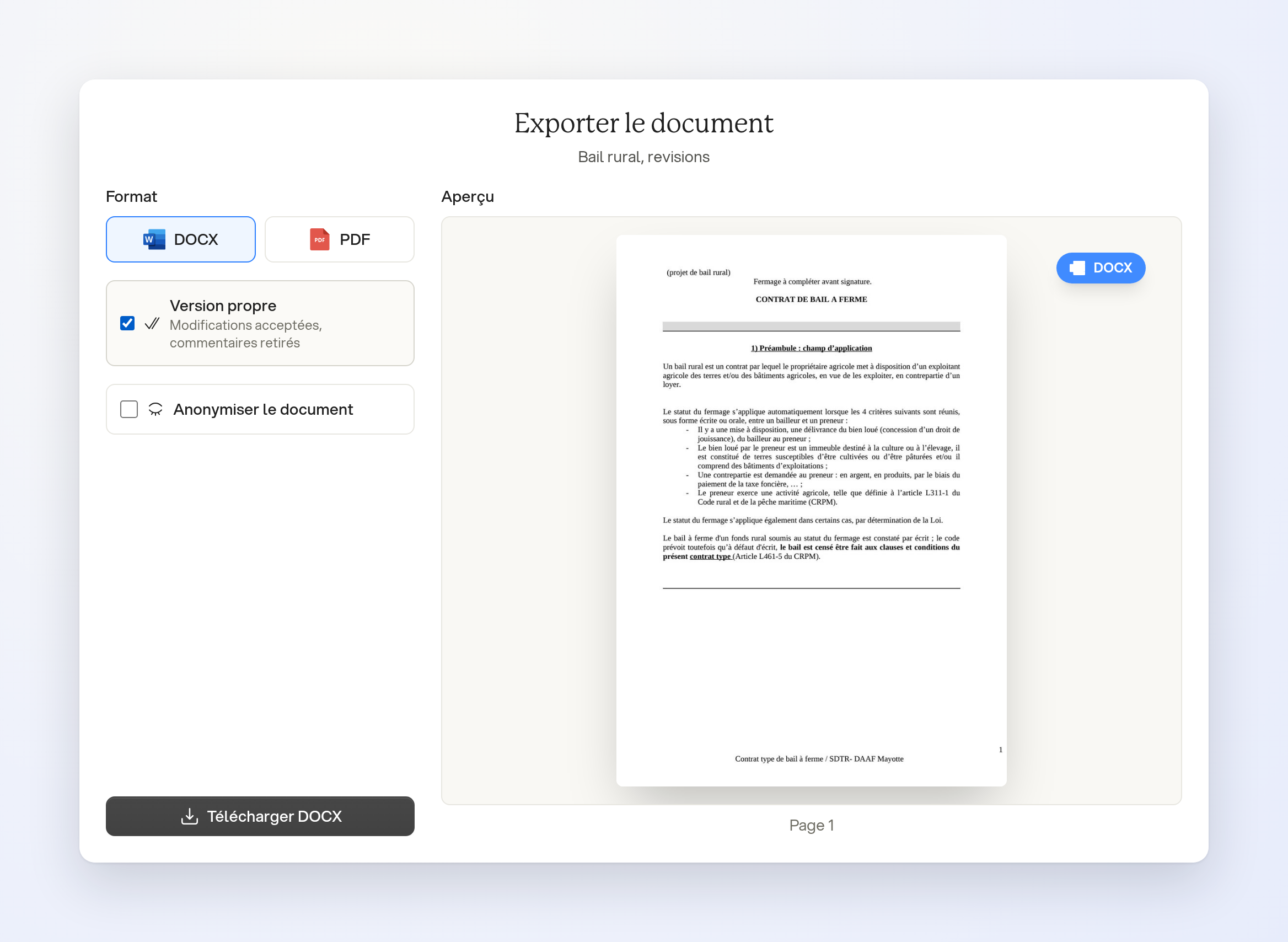
In an open Word document, choose File, then Download. Select DOCX, check Clean copy, then download the file. The copy accepts every change and removes comments. The document in Ordalie keeps its tracked changes and comments.
A copy compared with a saved version
Open Document Trail from the File menu, select a saved version, then Download the redline. The Word file tracks the changes made since that version.
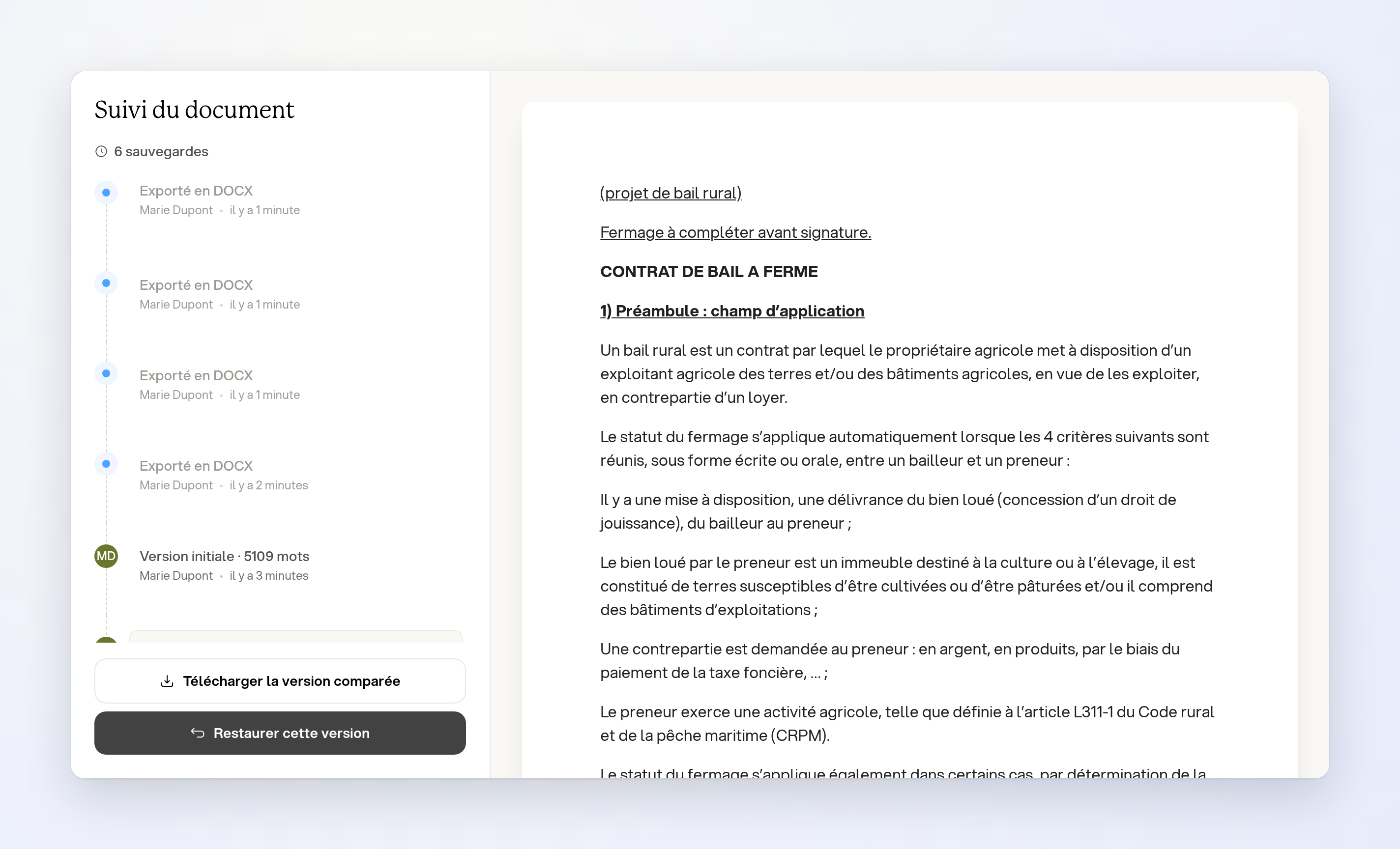
The button is available for versions whose state is still retained. This compares versions of the same document, not two separate files. These options apply to Word documents, not presentations.