Accept or reject Word changes by author
In the document
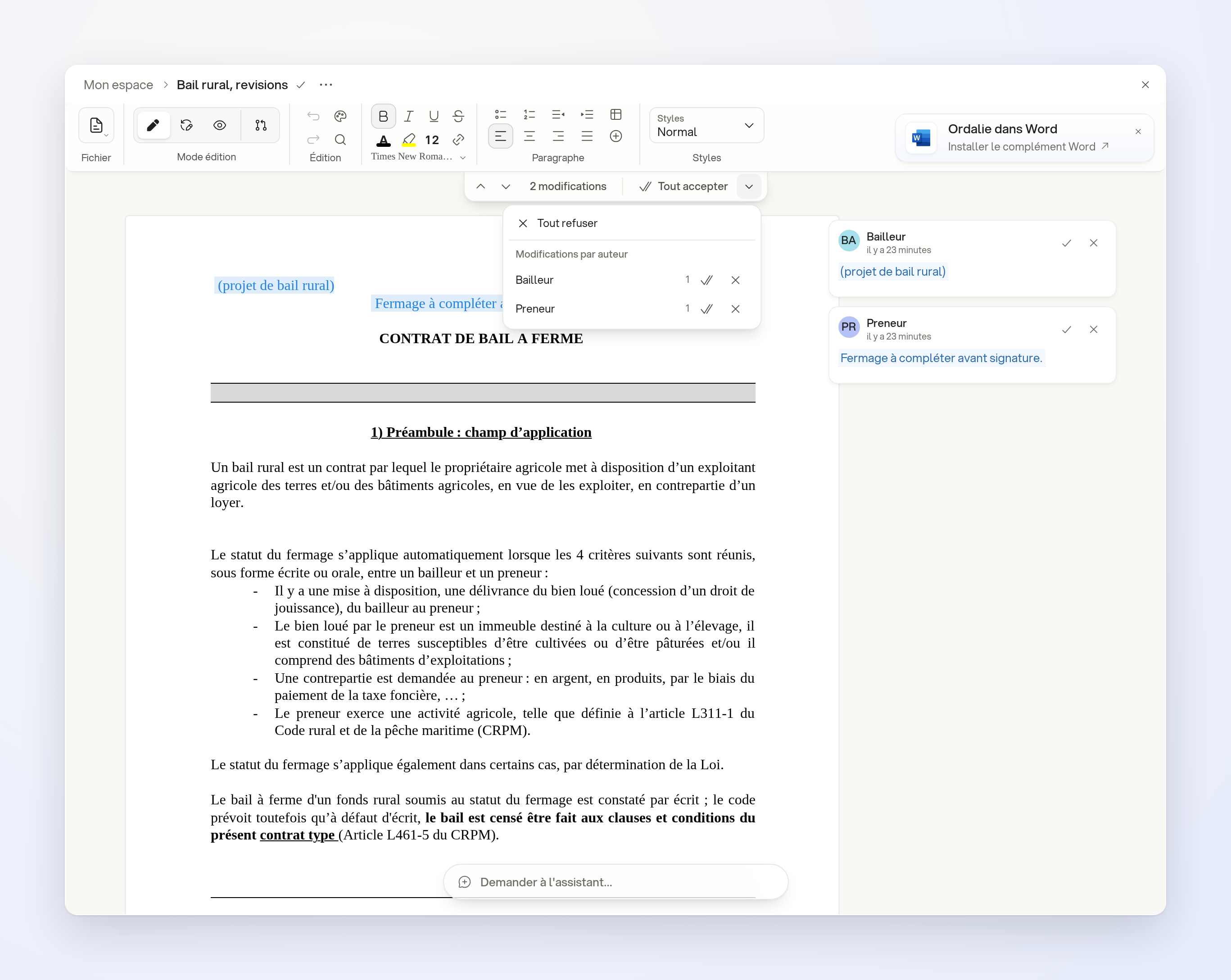
Open a Word document with pending changes by several authors. Below the toolbar, click More review options. Under Changes by author, accept or reject one author’s changes in a single action. Other authors’ changes remain pending.
With the assistant
You can also ask the assistant to make that choice, for example:
- “In ‘Rural lease, revisions’, accept the changes by Bailleur and leave those by Preneur pending.”
Limits
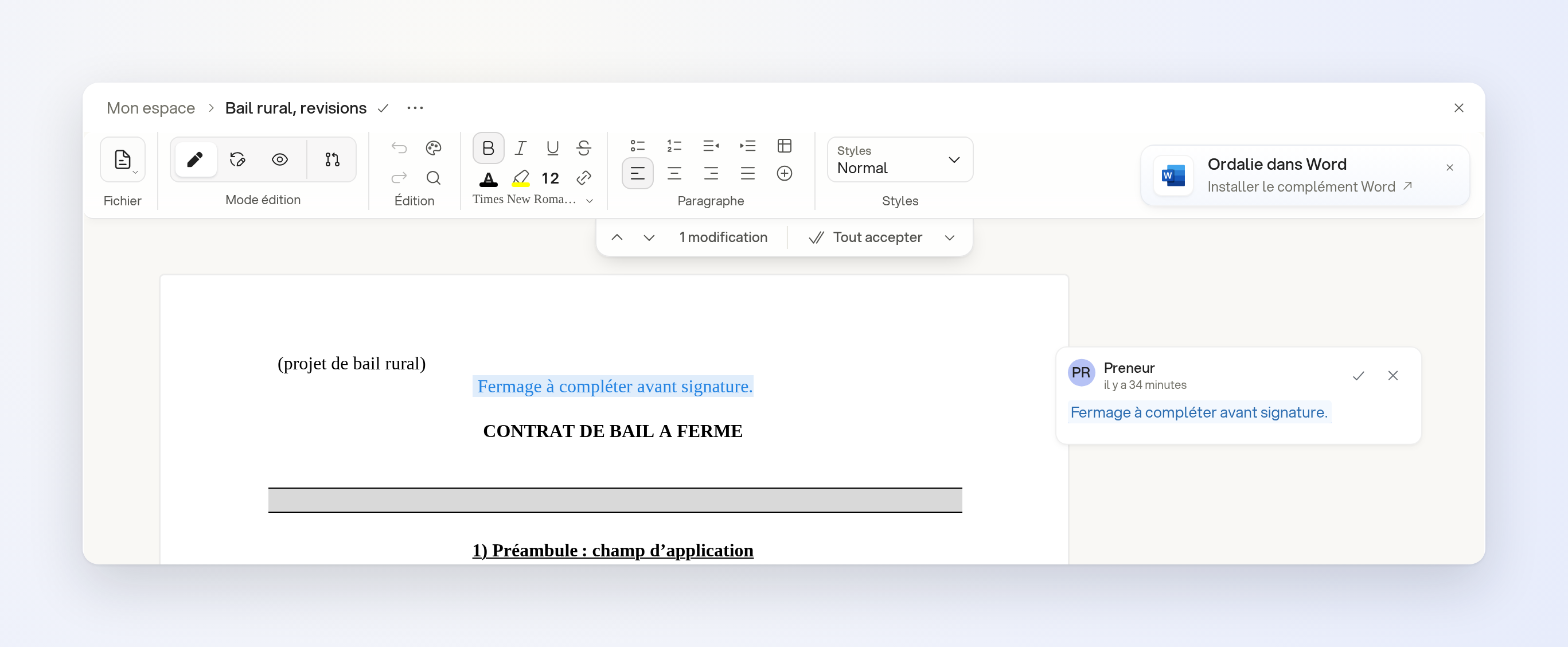
You need permission to edit the document. The author choices appear when several authors have pending changes.