Add Word sections and tables with the assistant
Attach a Word document to your request, or name a document in your workspace. You can ask the assistant to add sections or a table, including in a long document.
With the assistant
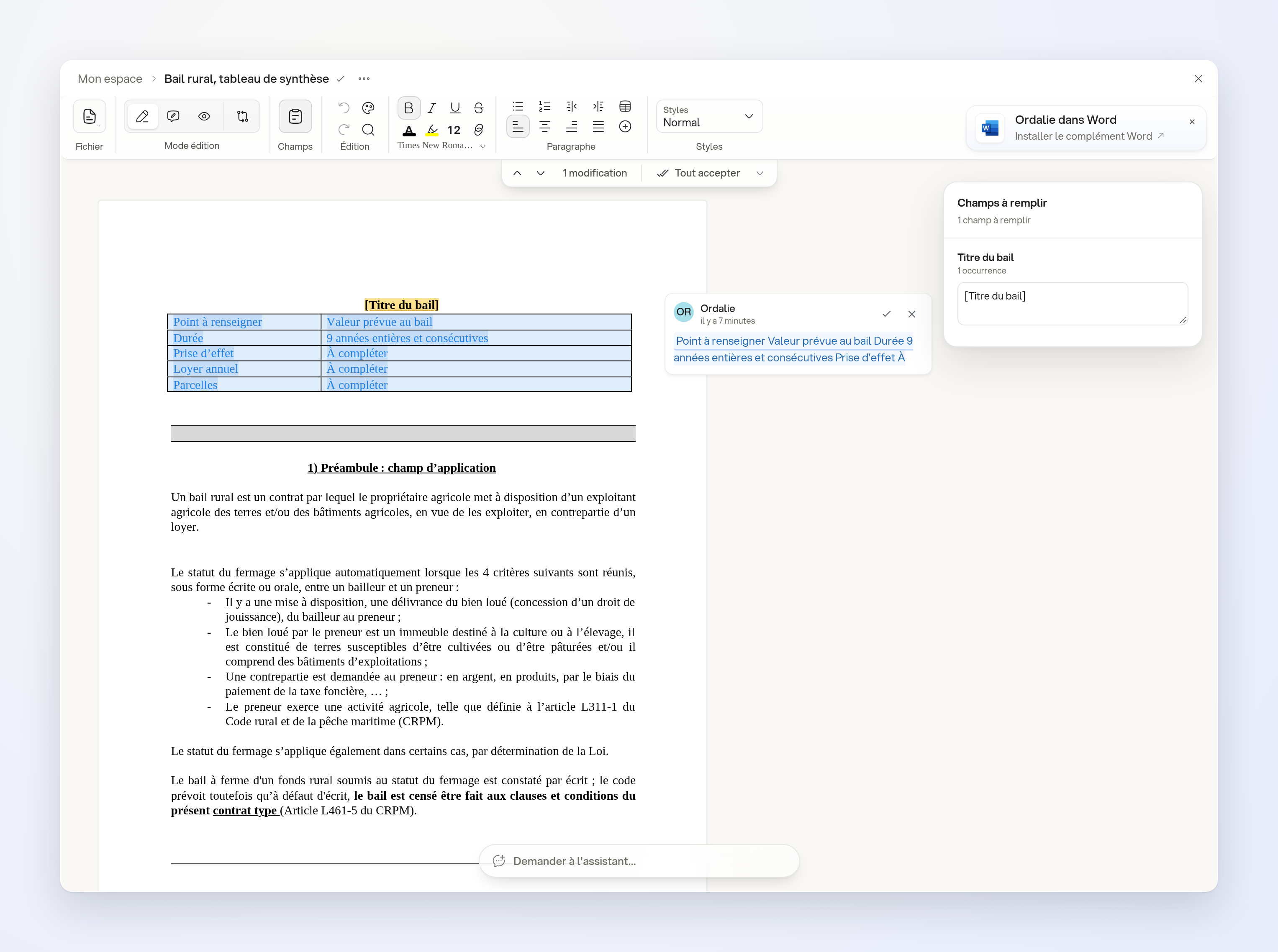
- “In a copy of this rural lease template called ‘Rural lease, summary table’, add a two-column table after the title, ‘Detail to fill in’ and ‘Value in the lease’, with rows for duration, start date, annual rent and land parcels; write ‘To complete’ for missing information and keep the other clauses and annexes.”
Open the created file from the answer. Additions to this template appear as tracked changes.
Limits
The document must be editable. This feature applies to Word documents, not to tables in PowerPoint presentations.