Choose a Word template with @
Type @ in a message to the assistant, then open Templates and select a Word template. This lets you specify which template to use without leaving your message.
With the assistant
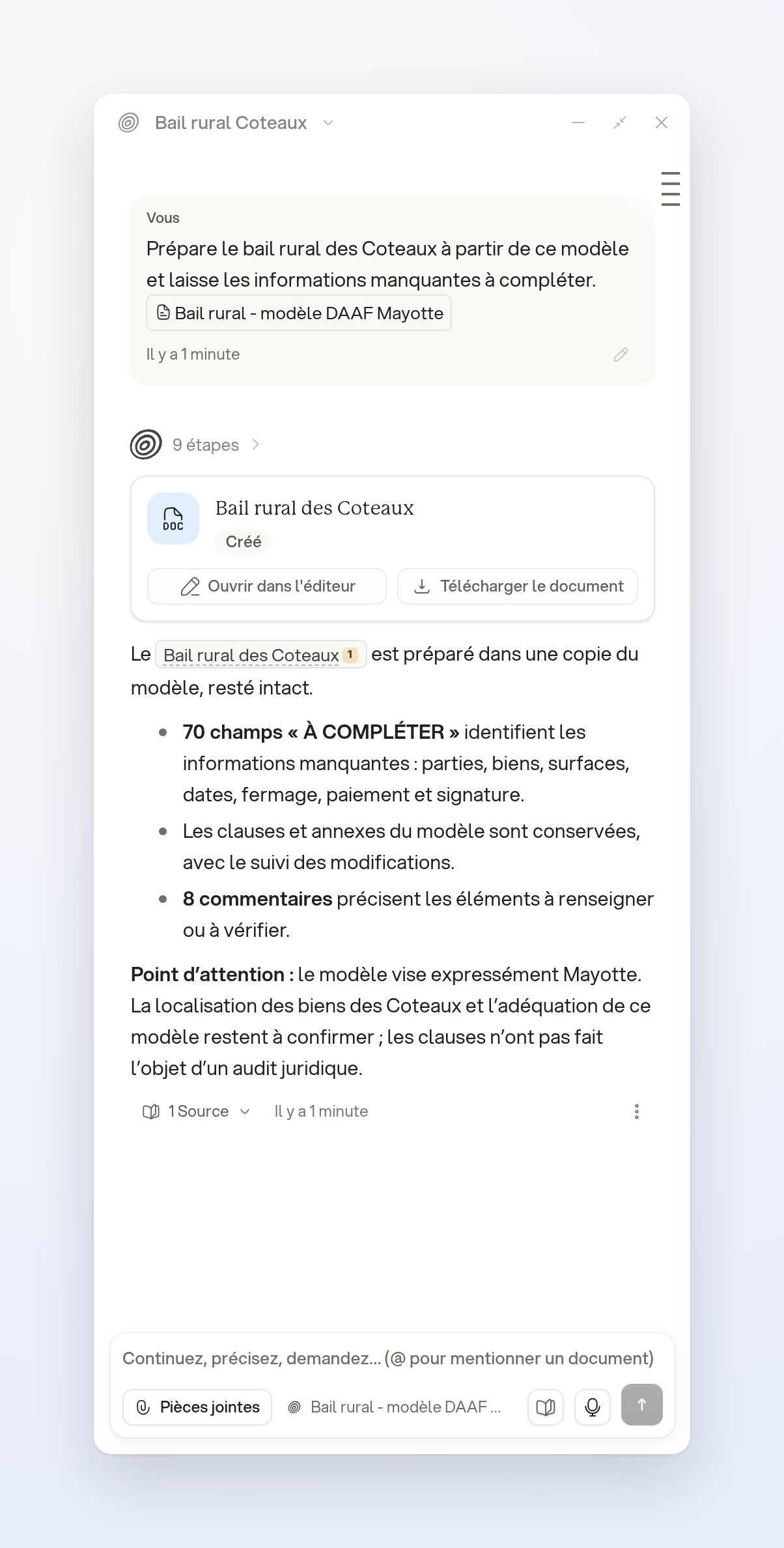
After selecting the rural lease template in the mention:
- “Prepare the Coteaux rural lease from this template and leave missing information to be completed.”
The assistant can create a document from the selected template without replacing the original template.
Limits
Only templates available to your account are listed. A template is a starting point: review the resulting document and complete the information specific to the matter.