


Download an anonymized version of an Excel file
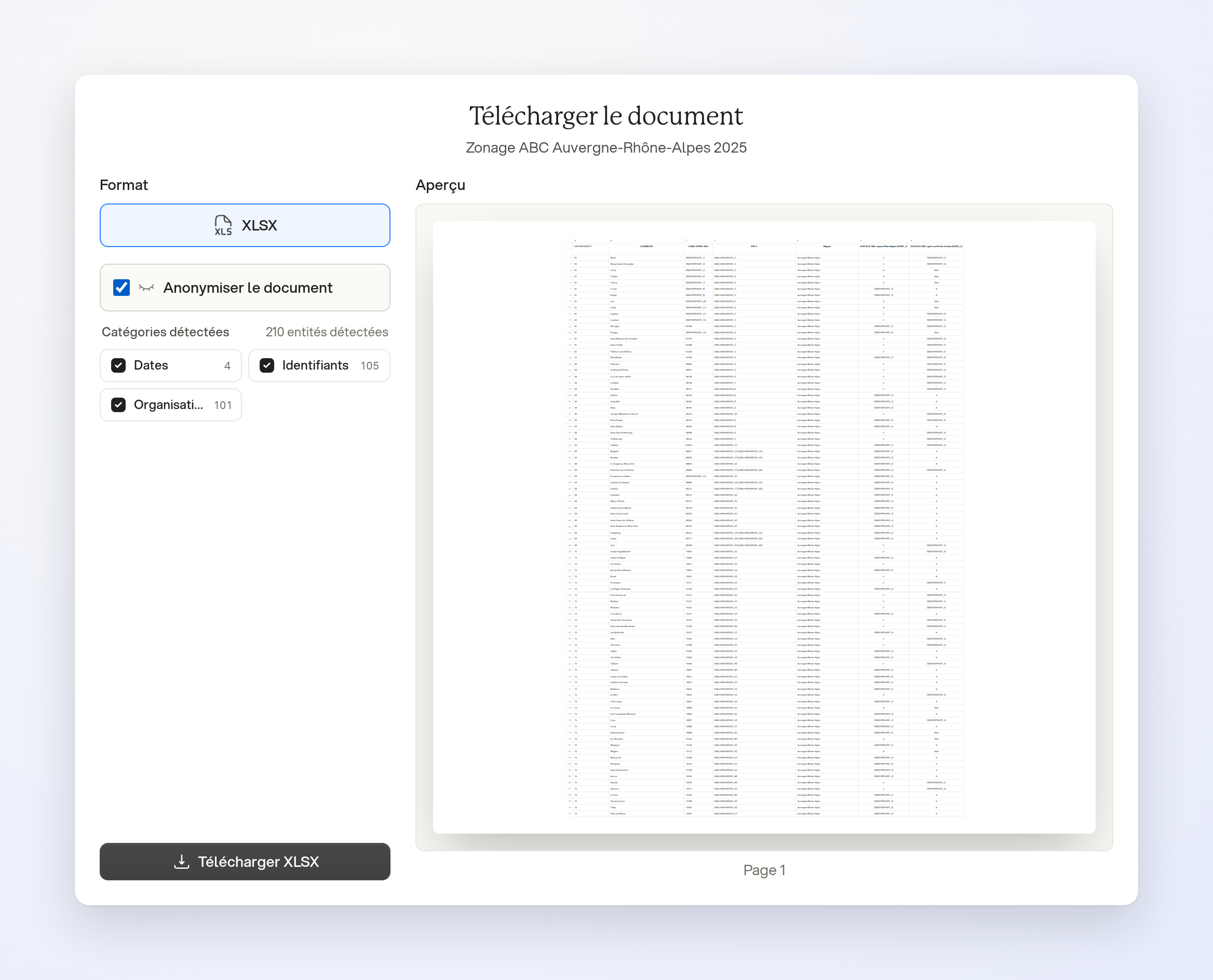
In your workspace, open an Excel file's menu, then Download. Select Anonymize document to prepare an anonymized version of the workbook.
Review before downloading
Check the Preview, then click Download XLSX. Detected items selected for anonymization are replaced in the exported Excel file; the original stays unchanged.
Limits
This option applies to Excel files whose original is available. An .xls file is converted to .xlsx. Detection is not exhaustive: review the cells and check formulas, links and other elements before sharing the result.