


Create documents from your Word templates
In your workspace, open Manage templates, then Add a template to import a Word document.
Prepare the template fields
Open Configure template. Select the text to replace, give it a Field name, then click Create field. For repeated details, select another passage and use Link to field with the same name.
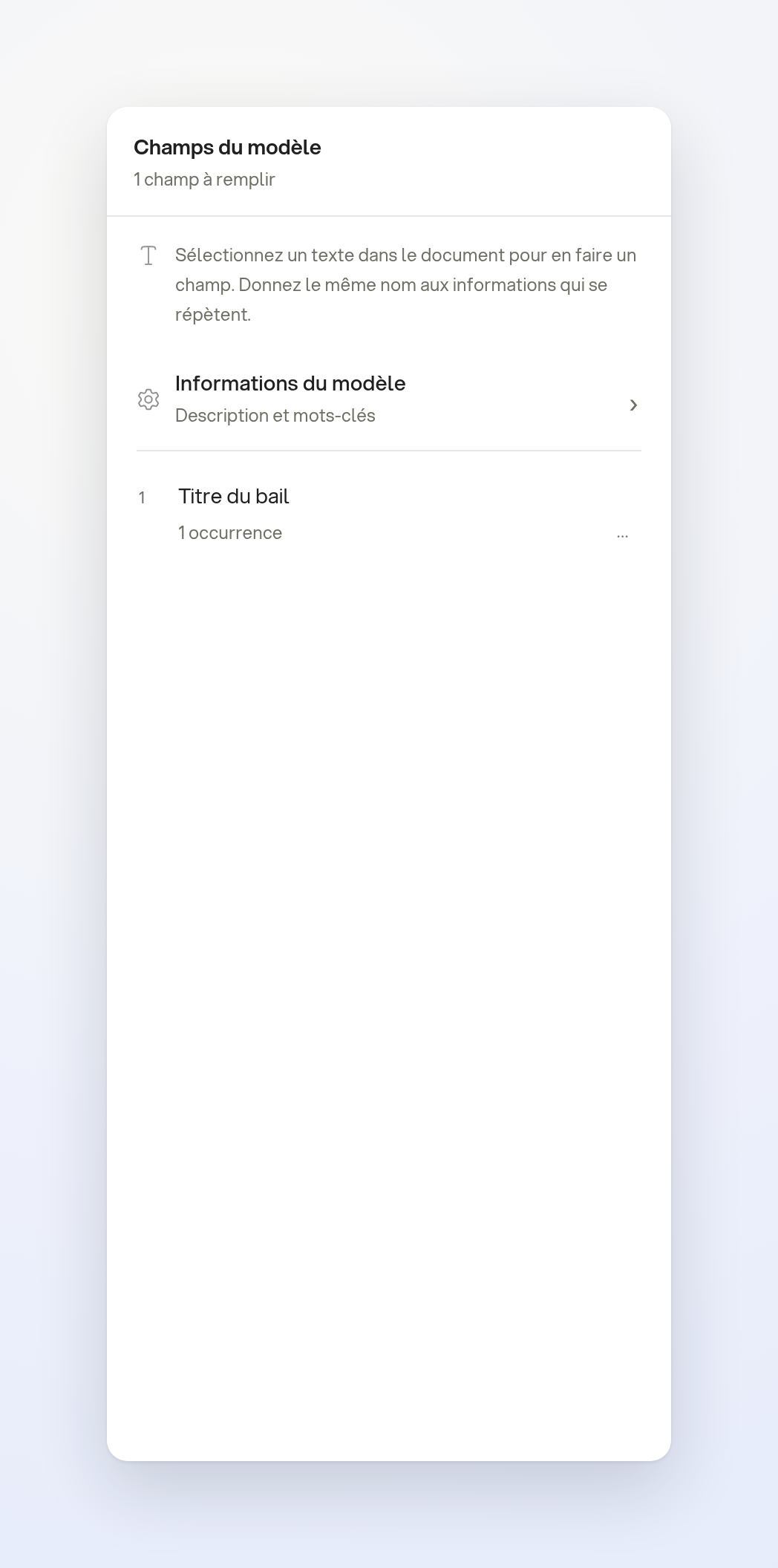
From New document, select your template and click Use this template. Fill in the fields in the editable copy; the template remains available for your next documents. You can also use a template without fields.
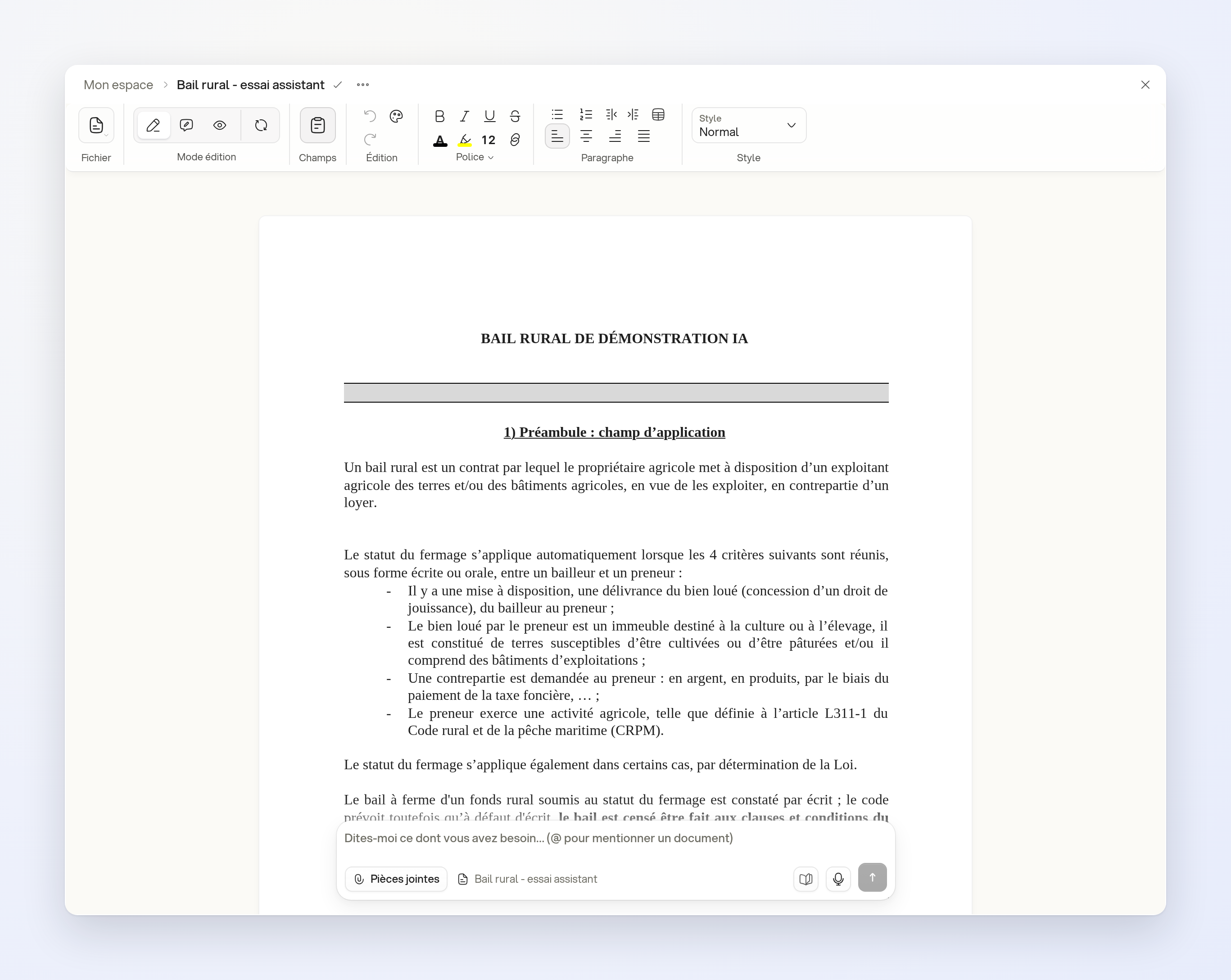
With the assistant
Select a template with configured fields, then Draft with AI. Describe the details to fill in, for example:
- “Prepare this lease for Mr and Mrs Lefèvre as landlords and EARL du Vallon as tenant, for 12 hectares in Plouzané.”
Open the created document to review the result before using it.
Limits
Managing organization templates requires the relevant permissions. Configure the fields before using Draft with AI.