


Export a conversation to Word or PDF
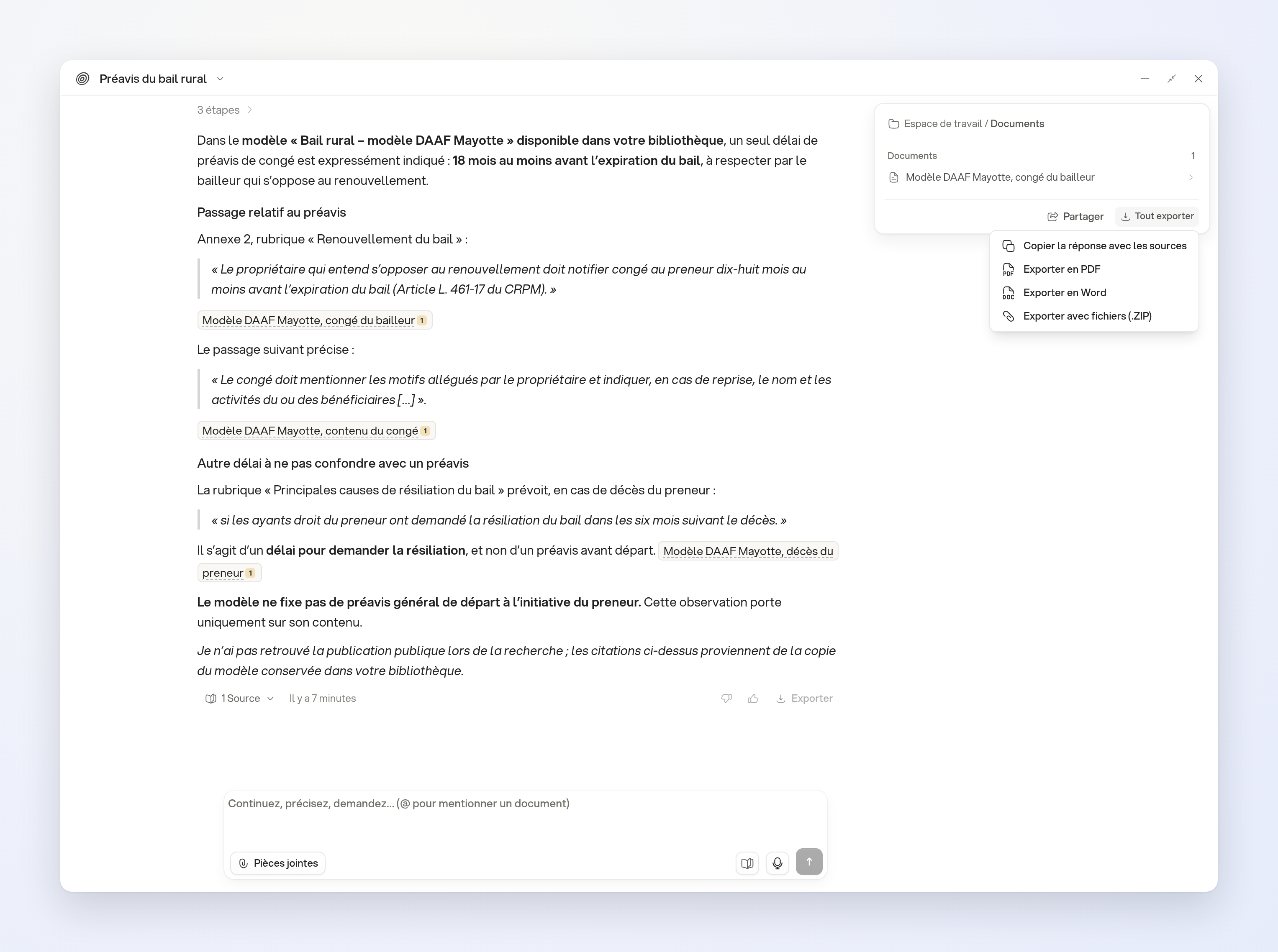
In a conversation, click Export all at the bottom of the panel containing its documents and sources.
In the interface
Choose Export to Word or Export to PDF to download the exchange's questions and answers. The cited references appear in the exported file.
To also get the attached files, choose Export with attachments (.ZIP).
The same menu offers Copy the response with the sources to copy the conversation's content.
Limits
The export covers the displayed exchange, not every branch of the conversation. A Word or PDF export does not include the attached files themselves.