


Use Ordalie in German, Spanish, or Portuguese
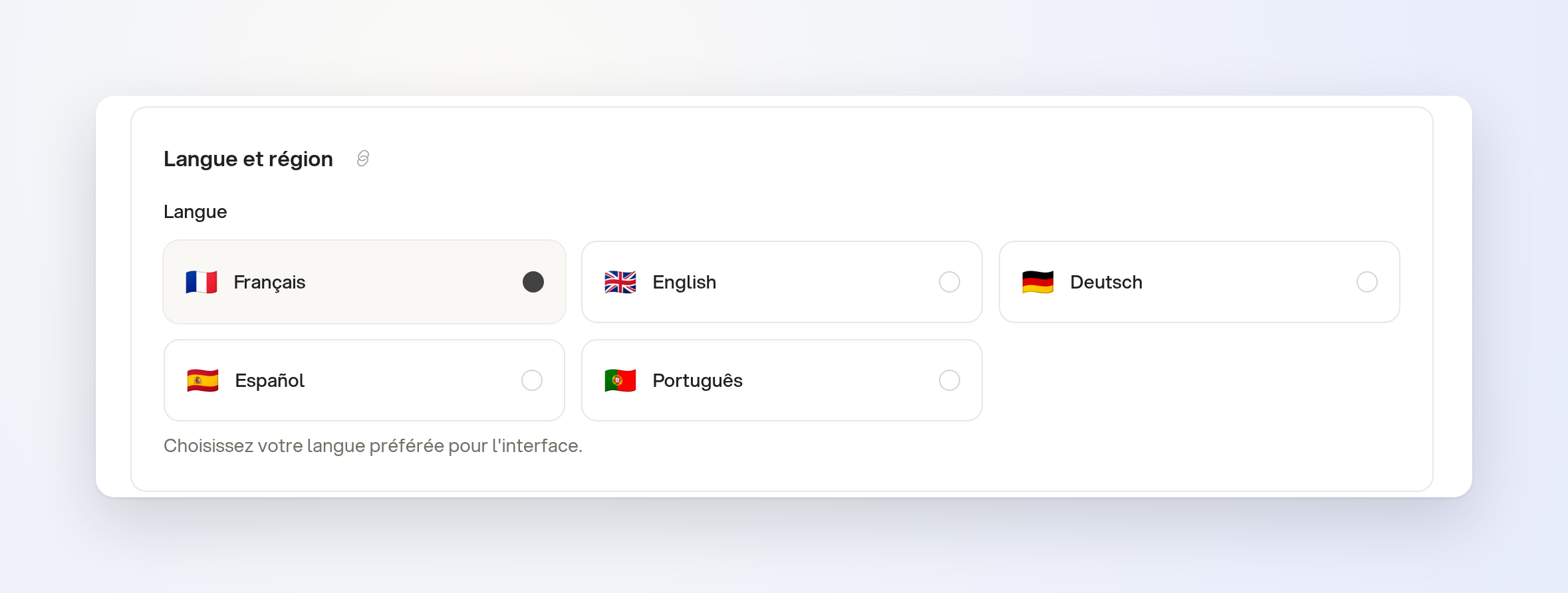
Ordalie is available in five languages: French, English, German, Spanish, and Portuguese.
To change the language, open Settings > Preferences > Language & Region, then choose Deutsch, Español, or Português. Menus, settings, error messages, and the assistant screens appear in the language you choose.
The ordalie.com website and its documentation are also available in these five languages. On your first visit, the site opens in your browser language if it is one of the five.
Limits
Not all workflow names and descriptions are translated into German, Spanish, and Portuguese.